
A client portal is a secure, branded online workspace where your clients log in to access project files, send messages, track progress, and sign off on deliverables. Building one well means getting four things right from the start: authentication and security, role-based permissions, your brand's look and feel, and clean integrations with the tools you already use.
Two U.S.-based platforms lead this space in 2026:
- Moxo (headquartered in Cupertino, CA) focuses on AI-powered workflow orchestration and client onboarding, built for enterprise operations teams that need to coordinate humans and AI agents inside a single system.
- Onehub specializes in secure, white-labeled cloud storage with branded client portals, virtual data rooms, and role-based file permissions, built for businesses that need professional document sharing without the complexity of a full workflow platform.
The right choice depends on whether your primary need is workflow automation or secure file exchange. The sections below break down both platforms in detail, walk through the build process step by step, and cover what it actually costs.
What's the best client portal software for U.S. businesses?
Two platforms consistently stand out for small to medium businesses and agencies in the U.S. market. Here is how they compare across the dimensions that matter most.

| Feature | Moxo | Onehub |
|---|---|---|
| Best for | AI-driven workflow automation and client onboarding | Secure branded file sharing and document management |
| Services offered | Workflow orchestration, AI agent automation, client onboarding portals, team collaboration | Secure cloud storage, document sharing, virtual data rooms, branded client portals |
| Security features | Enterprise-grade authentication, AI-monitored process controls | Role-based permissions, encrypted storage, compliance-ready data rooms |
| Branding and customization | Branded portal environments within the Agentic OS framework | Full white-labeling, custom domain, logo, and color scheme |
| Integration capabilities | CRM, operations tools, AI agent workflows | Third-party app integrations for document workflows |
| Target clientele | Enterprise operations teams, high-volume client onboarding | SMBs, agencies, legal and financial firms needing secure file exchange |
| Pricing | Not publicly listed; contact for quote | Tiered plans; details on Onehub's site |
| Rating | 3.9★ (9 reviews) | 5★ (2 reviews) |
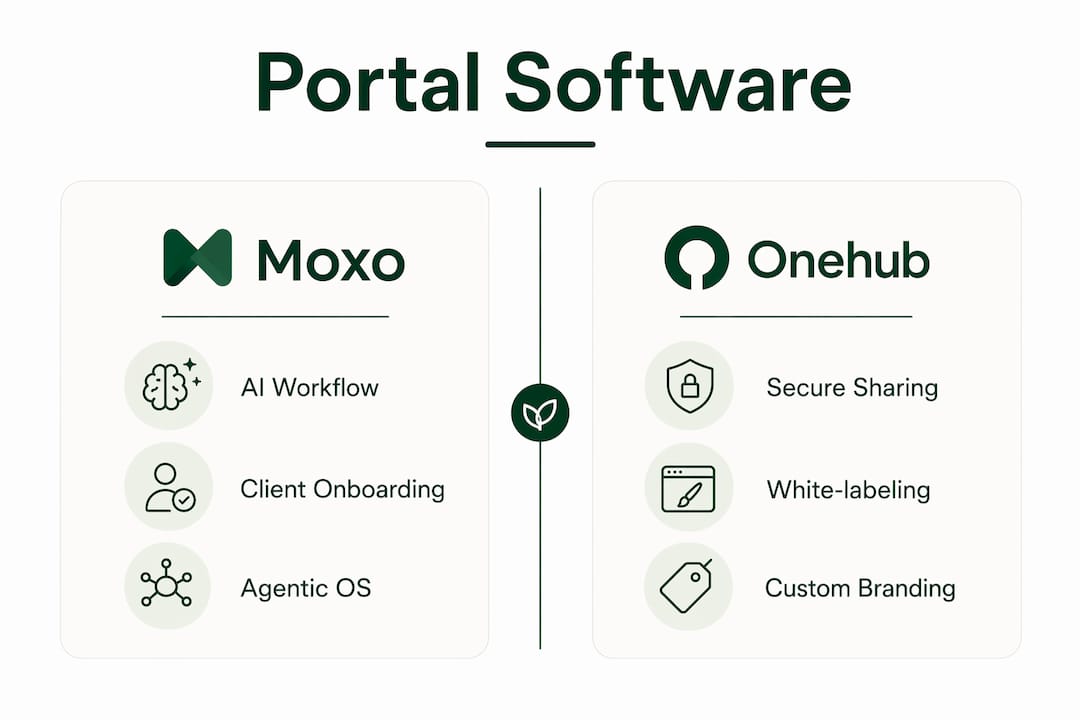
Moxo positions itself as an "Agentic OS," meaning it treats your portal not just as a file-sharing layer but as an operating environment where AI-driven workflows run alongside human tasks. Client onboarding, document collection, approvals, and follow-ups can all be automated inside the same interface your client sees. That depth makes it a strong fit for businesses managing complex, multi-step client relationships at scale.
Onehub takes a cleaner, more focused approach. Its white-labeling is thorough: you can apply your own domain, logo, and color palette so clients never see the Onehub brand. Virtual data rooms add a layer of controlled access that legal, real estate, and financial firms specifically need. If your primary pain point is "clients can't find the right file version," Onehub solves that problem directly.
How do you build a secure client portal from scratch?
Whether you use a platform or build custom, the process follows the same core phases. Skipping any one of them is where projects go sideways.

Essential features to include
Before you write a line of code or configure a platform, confirm your portal covers these:
- Secure login: Two-factor authentication (2FA) at minimum; single sign-on (SSO) for enterprise clients
- User roles and permissions: Clients should only see what belongs to them; internal staff need tiered access levels
- Data backup and recovery: Automated daily backups with a tested restore process, not just a checkbox
- Mobile-responsive design: A portal that breaks on a phone loses client trust fast
- CRM and accounting integrations: Connecting tools like HubSpot, Salesforce, or QuickBooks eliminates duplicate data entry
- Audit logs: A timestamped record of who accessed or changed what, critical for compliance
Step-by-step build process
- Define scope and client journey. Map every touchpoint: onboarding, file delivery, approvals, invoicing, and support. Know what your clients need before you pick a tool.
- Choose your approach. Off-the-shelf platforms like Moxo or Onehub get you live faster. Custom builds using no-code tools like Softr or Retool give more flexibility but require more setup time.
- Configure branding. Apply your logo, color scheme, and domain. Clients should land on a portal that feels like your business, not a third-party app.
- Set up integrations. Connect your CRM, project management tool, and billing system before inviting any clients. Broken integrations discovered post-launch are expensive to fix.
- Test with real scenarios. Run through the full client experience as a test user: log in, upload a file, submit a request, receive a notification. Fix what feels clunky.
- Deploy and onboard clients. Send a clear welcome message with login instructions. A short video walkthrough cuts support tickets significantly.
- Schedule ongoing maintenance. Plan quarterly reviews of permissions, integrations, and security patches. Portals drift without active upkeep.
Pro Tip: Set up a staging environment before going live. Testing on a copy of your production portal catches permission errors and broken integrations before your clients see them.
How do you choose the right client portal for your needs?
The wrong platform costs you more than money. It costs client trust when the experience feels off. Use this checklist before committing.
- Security requirements: Does the platform meet the compliance standards your industry requires, such as HIPAA for healthcare or SOC 2 for financial services?
- Customization depth: Can you apply your own domain and remove all third-party branding? White-labeling matters more than most buyers realize until a client asks why they're logging into someone else's software.
- Integration fit: List the tools you use daily. Confirm the portal connects to them natively or via a supported API before signing a contract.
- Client scale: A freelancer with five clients has different needs than an agency managing 200. Choose a platform whose pricing and feature set match your actual volume.
- Vendor support: Check response times and support channels. A portal outage at 9 PM on a client deadline is not the moment to discover your plan only includes email support.
- Trial and onboarding timeline: Most platforms offer a free trial. Use it to run a real client scenario, not just a demo. Factor in 2–4 weeks for full configuration and staff training.
What does it cost to build or buy a client portal?
Cost varies widely depending on whether you build custom or subscribe to a platform. Here is how the budget typically breaks down.
- Subscription platforms: Monthly or annual licensing fees, which vary by plan tier and user count. Onehub publishes tiered pricing on its site; Moxo requires a direct quote.
- Custom development: Building a portal from scratch with a developer or agency runs significantly higher upfront, with ongoing costs for hosting, security patches, and feature updates.
- Hosting: Cloud hosting fees apply whether you build custom or self-host a platform. Managed hosting through a platform provider is usually included in the subscription.
- Customization and branding: White-labeling, custom domains, and UI work add cost on both custom builds and some platform tiers.
- Security compliance: HIPAA, SOC 2, or GDPR compliance work adds to both build and ongoing maintenance costs.
- Training: Budget for internal staff training and client onboarding materials. Skipping this creates a long tail of support requests.
The hidden cost most businesses underestimate is maintenance. A portal is not a one-time build. Permissions need auditing, integrations break when third-party APIs update, and security patches require regular attention.
How AI automation makes client portals work harder for you
AI changes what a client portal can do, not just how it looks. The most direct benefit is automating the repetitive work that currently falls on your team: sending follow-up reminders, collecting onboarding documents, routing approvals, and updating project status.
AI-driven workflow automation can handle client onboarding from first login through document collection and approval, without a staff member manually tracking each step. Personalization is another lever: AI can surface the right files, tasks, or messages for each client based on where they are in a project, rather than showing everyone the same generic dashboard.
"A focused client portal built with AI and automation can significantly cut operational overhead and improve user satisfaction. The goal is not to replace the human relationship with clients, but to free your team from the manual work that gets in the way of it." — Cannatract
Moxo's Agentic OS is built around this idea, treating AI agents as active participants in the workflow rather than passive tools. For businesses that need this level of automation, the platform's depth justifies its complexity.
Key Takeaways
Choosing the right approach to set up a client portal comes down to matching your security, branding, and integration requirements to a platform or build path that fits your actual client volume and budget.
| Point | Details |
|---|---|
| Security is non-optional | Every portal needs 2FA, role-based permissions, audit logs, and a tested backup process before going live. |
| Platform vs. custom build | Off-the-shelf tools like Moxo or Onehub deploy faster; custom builds offer more flexibility at higher upfront cost. |
| Hidden costs add up | Budget for training, maintenance, and compliance work, not just the initial subscription or development fee. |
| Branding drives client trust | White-labeling your portal so clients see your brand, not a vendor's, directly affects how professional the experience feels. |
| Cannatract for AI-powered portals | Cannatract builds custom client portals with AI automation and CRM integrations, deployed in 2–4 weeks. |
The real direction client portals are heading
The most telling shift in client portal development right now is not the technology itself. It is the expectation gap closing between what enterprise software offers and what a small agency can actually deploy. No-code and low-code builders like Softr and Retool have made it possible to spin up a functional, branded portal in days rather than months. That changes the calculus for freelancers and small teams who previously assumed a real portal was out of reach.
AI integration is moving from a premium feature to a baseline expectation. Clients increasingly expect portals to surface relevant information proactively, not just store files passively. The businesses that treat their portal as a living operational layer, connected to their CRM, billing, and project tools, will have a measurable advantage over those running client communication through email threads.
Compliance pressure is also tightening. HIPAA, SOC 2, and state-level data privacy laws are pushing more industries toward portals with formal audit trails and access controls. Building that infrastructure now, rather than retrofitting it after a compliance incident, is the pragmatic call.
Cannatract builds client portals that actually work end to end
Most portal projects stall not because the technology is hard, but because the integrations, permissions, and automation logic take longer than expected to get right. Cannatract's approach skips the trial-and-error phase by scoping the full system before a single line of configuration is written.
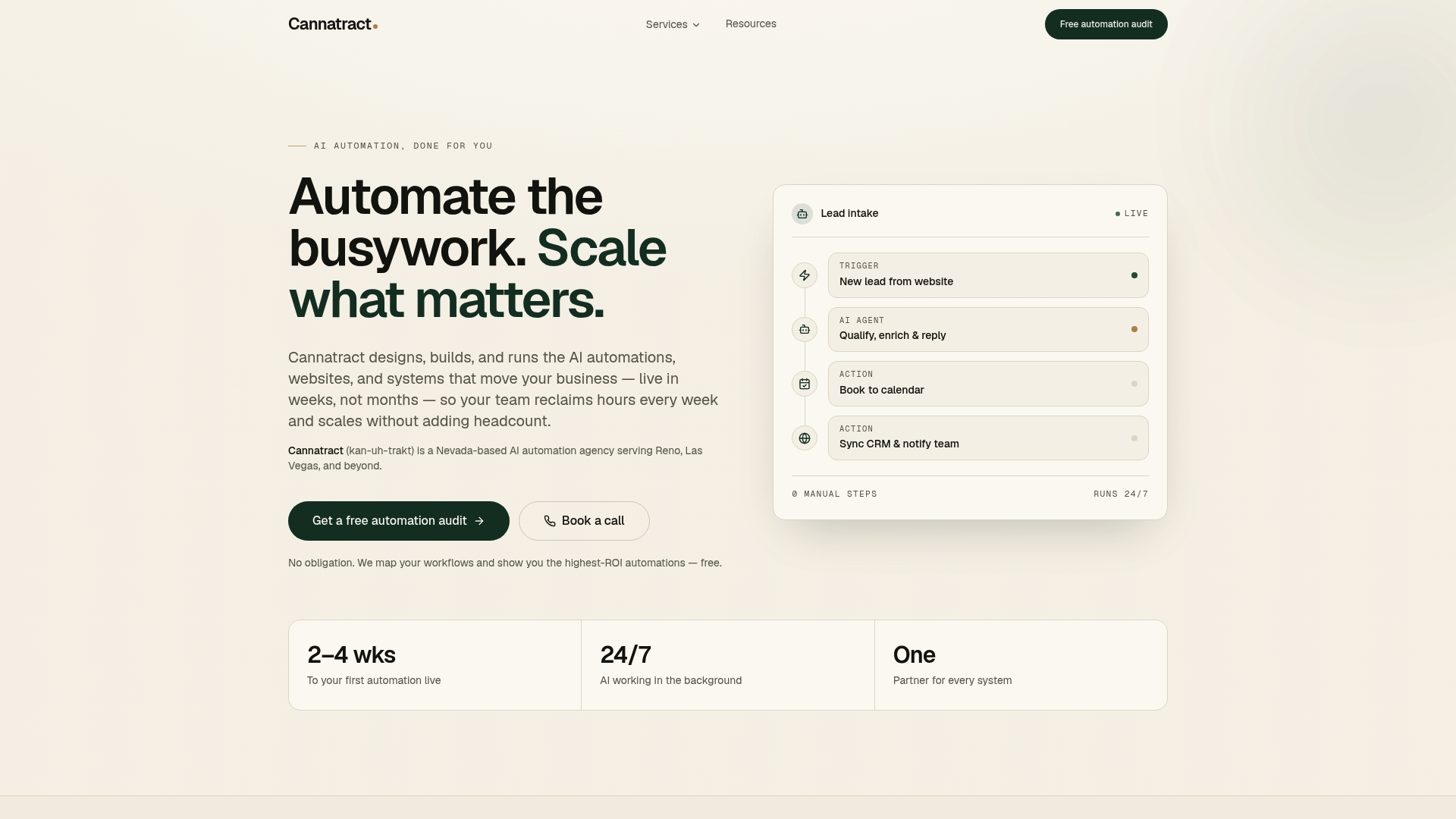
Cannatract builds custom client portals with AI agents, CRM connections, and automated onboarding workflows, deployed in 2–4 weeks. The result is a portal your clients actually use, connected to the systems your team already runs. If you want a portal that does more than store files, see what Cannatract builds and start with a scoping conversation.